
Jul 23, 2026 · 8 min read
Database vs Spreadsheet: When Should a Business Upgrade?
Compare a database vs spreadsheet for managing business data. Learn the signs that spreadsheets are limiting your workflow and what to use instead.
Services
Our service offers a team of engineers, designers, and QA specialists to achieve your goals.
See how it worksYou gain a team of experts including engineers, designers, and QA who drive your project.
See what our Dev team can build for you
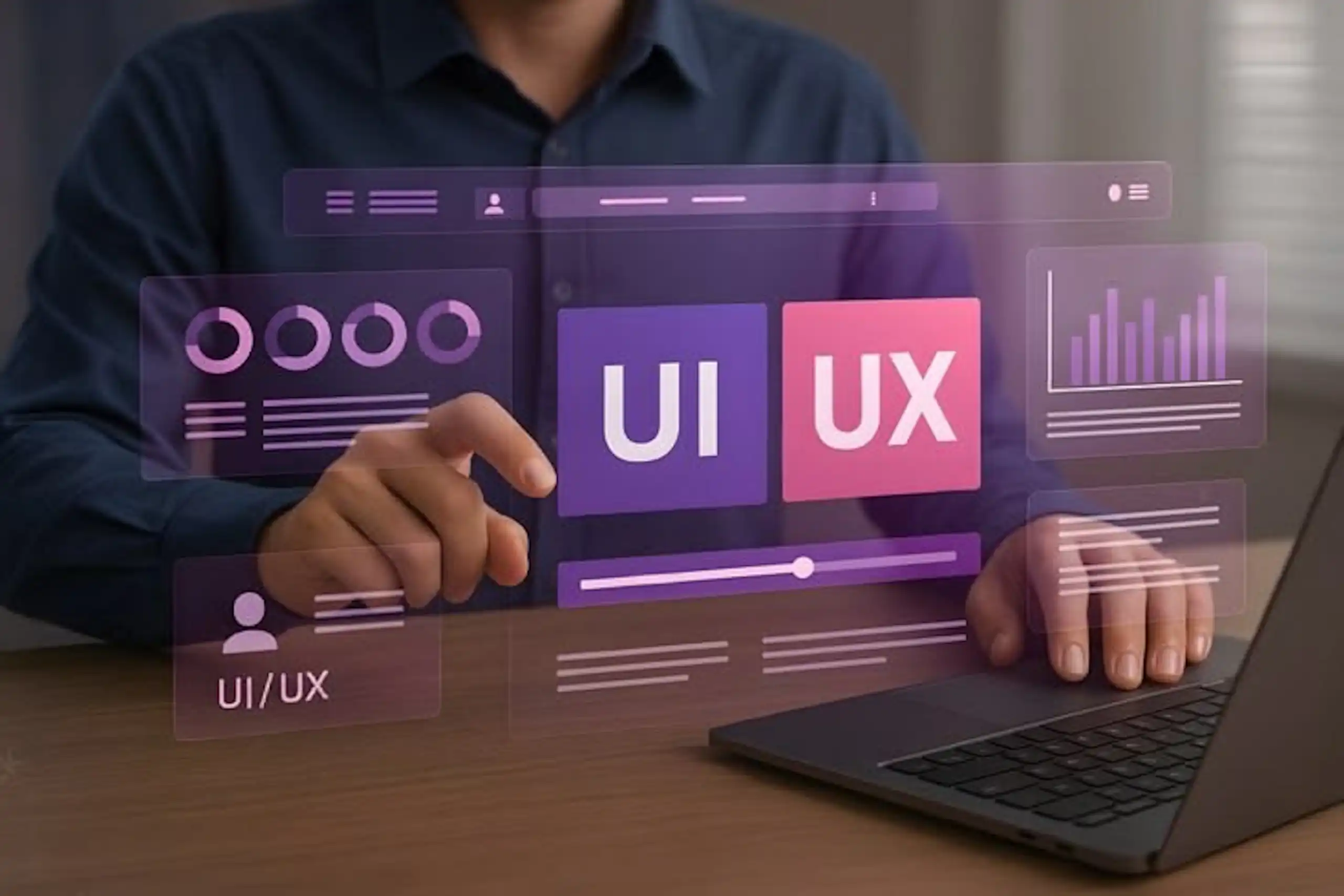
Your product works. Your engineering is solid. But users aren't staying, aren't buying, and aren't telling their friends about it.
After years of helping startups, scale-ups, and professional services firms build digital products, we've seen the same pattern: the difference between a product that drives revenue and one that doesn't often comes down to a single factor how intentionally the interface was designed for the actual person using it.
This isn't about aesthetics. It's about results.
Traditional interface design typically follows a top-down approach: a designer creates what they think looks good, engineers build it, and users adapt to it. The process prioritizes features, consistency, and timeline over understanding how actual people interact with the product.
The result? Friction at every turn.
Users get lost in navigation. Buttons are ambiguous. Critical actions are buried three clicks deep. Signup flows demand too much information upfront. Error messages confuse instead of help. And slowly, your conversion funnel leaks.
Traditional UI design assumes users think like product teams. They don't.
User-centered design (also called user-centric interface design or human-centered design) flips the process: you start by deeply understanding your users, their goals, behaviors, frustrations, and decision-making patterns, and then design every element of the interface around their reality.
This isn't theoretical. It's backed by research.
Studies from the Nielsen Norman Group show that interfaces designed with user research convert 20-40% higher than interfaces designed without it. Some of our clients have seen 3x improvements—not because they added features, but because they removed friction.
Here's the practical difference:
Traditional UI approach: "We'll add a password strength indicator because enterprise clients expect it."
User-centered approach: Test how users actually create passwords. Observe where they struggle. Realize most users never read the strength indicator. Design instead for clarity, validation, and recovery if they forget.
Let's be specific about why user-centered interface design outperforms.
1. Reduced Cognitive Load When an interface matches how users naturally think, they move faster. Every decision is clear. Every action has obvious consequences. Users spend less mental energy trying to understand your product and more energy accomplishing their goal. For SaaS products, this translates directly to faster onboarding and higher feature adoption.
2. Better Decision-Making at Critical Moments Conversion happens at decision points: "Should I sign up? Should I enter my payment info? Should I upgrade?" User-centered design addresses these moments specifically. Clear value propositions. Social proof. Transparent pricing. Reassuring security badges. Trust signals positioned where users actually look for them.
3. Improved Error Recovery Users will always make mistakes. Traditional UI design penalizes them with vague error messages and dead ends. User-centered design prevents errors before they happen (with real-time validation, helpful hints, and smart defaults) and gracefully helps users recover when they do go wrong.
4. Higher Task Completion Rates When the interface aligns with user mental models, people complete tasks faster and with fewer abandonment points. This compounds across your entire funnel—higher signup completion, higher onboarding completion, higher checkout completion.
Most checkout flows follow the traditional pattern: form fields in a grid, because that's "standard." But user-centered research reveals something different: users scan left to right, top to bottom. They get confused when similar fields aren't grouped. They abandon at unexpected form complexity.
The user-centered approach:
Result: Checkout abandonment drops 15-25%. Average order value sometimes increases because users complete their purchase instead of bailing halfway.
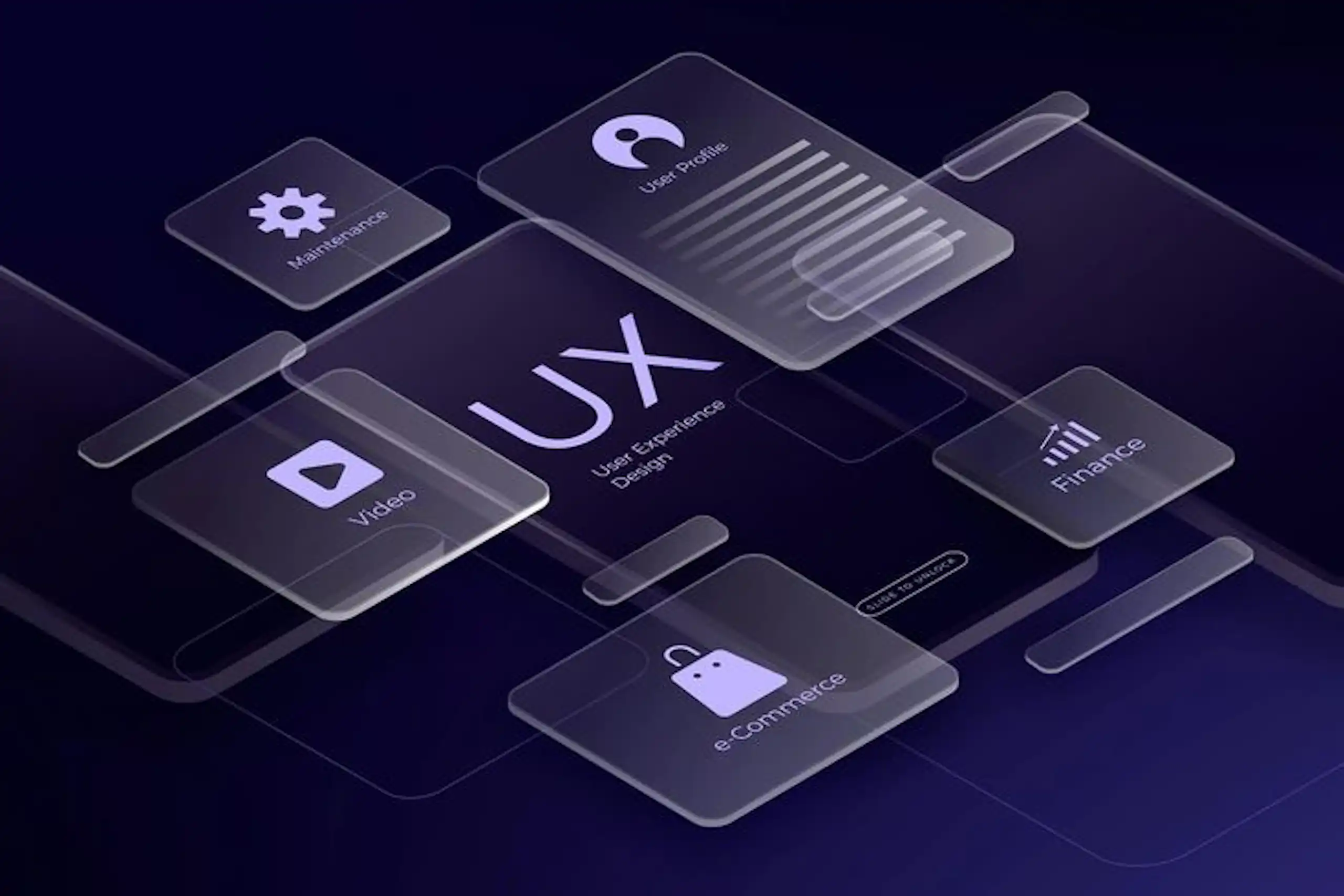
You don't need to rebuild your product overnight.
The best product teams understand that user-centered interface design isn't a cosmetic upgrade it's an investment in product efficiency. It compounds over time. A 3x conversion improvement doesn't just move the needle once; it unlocks new growth trajectories.
Companies like Intercom published their research on how user research accelerated shipping cycles and improved product-market fit. They found that teams embedding user research into development shipped features faster, not slower, because they built fewer false starts.
User-centered design and traditional UI design aren't equally effective. They're not even close.
Traditional UI asks: "What can we build?"
User-centered design asks: "What do users actually need, and how can we make it obvious?"
The first builds features. The second builds products people love using. And products people love using convert.
If your product's interface is leaking users or conversions, the solution rarely requires more features—it requires smarter design aligned with how your users actually think and behave.
Wazobia Technologies specializes in user-centered UI/UX engineering for startups, scale-ups, and professional services firms. We partner with teams to audit existing interfaces, conduct user research, and redesign high-impact flows that measurably improve conversion, retention, and engagement.
Whether you need a dedicated designer, a fresh interface audit, or a full product redesign we work as an extension of your team to turn friction into flow.
Let's talk about your product to discuss how user-centered design can improve your conversion rates.
Q: Does user-centered design cost more than traditional UI design?
Not necessarily. The real cost comes from building interfaces that don't convert—you've already sunk engineering time into a product that underperforms. User-centered design often reduces iteration cycles because you're building the right solution faster, not the wrong solution perfectly.
Q: How long does it take to see conversion improvements from user-centered design?
Quick wins (15-30% improvements) often appear within 4-8 weeks after implementing high-impact interface changes. Larger improvements (50%+ in conversion or engagement) typically take 2-3 months of research, iteration, and refinement. The timeline depends on how far your current interface diverges from user needs.
Q: Can we apply user-centered design principles to our existing product without a full redesign?
Absolutely. Most teams start by identifying their highest-friction user journey usually signup, onboarding, or checkout, conducting targeted user research, and redesigning that flow first. You'll see measurable improvements quickly, which builds confidence for the next phase. Full redesigns aren't necessary strategic, user-informed improvements compound over time.
Keep Reading
Jul 23, 2026 · 8 min read
Compare a database vs spreadsheet for managing business data. Learn the signs that spreadsheets are limiting your workflow and what to use instead.

Jul 23, 2026 · 9 min read
Compare SQL vs NoSQL databases by structure, transactions, scalability and use case. Learn which architecture is right for your application.
.jpg_7DAeB8?tr=w-2560,f-webp,q-50)
Jul 23, 2026 · 8 min read
Find the best database for web applications based on SaaS, ecommerce, marketplace, real-time and content use cases. Compare the practical trade-offs.
© Wazobia Technologies 2026