
Jul 23, 2026 · 8 min read
Database vs Spreadsheet: When Should a Business Upgrade?
Compare a database vs spreadsheet for managing business data. Learn the signs that spreadsheets are limiting your workflow and what to use instead.
Services
Our service offers a team of engineers, designers, and QA specialists to achieve your goals.
See how it worksYou gain a team of experts including engineers, designers, and QA who drive your project.
See what our Dev team can build for you

For many startups and professional services firms, service delivery begins simply.
A customer sends a request.
A team member confirms the job.
Someone assigns the task.
Updates move through calls, email, spreadsheets, WhatsApp, or Slack.
Reports are prepared manually.
Invoices or follow-ups happen later.
At first, this feels manageable. But as the business grows, the same informal process starts creating friction.
Service teams lose time switching between tools. Managers struggle to see what is happening in real time. Customers keep asking for updates. Field teams or consultants submit late reports. Admin teams spend hours reconciling information that should have been captured once.
This is where mobile app development becomes more than a technology decision. It becomes an operational decision.
A well-built mobile app gives service teams one reliable place to manage requests, jobs, communication, approvals, reporting, and performance data. Instead of forcing people to work around broken processes, the app supports the way service actually happens.
.jpg_cMecFa?tr=w-2560,f-webp,q-50)
Operational inefficiency rarely appears as one obvious problem. It shows up in small, repeated losses.
A technician arrives without the right job history.
A consultant forgets to upload a signed document.
A client calls twice because they cannot track progress.
A manager makes decisions from outdated spreadsheets.
A finance team waits days for completed service records before billing.
None of these issues may feel urgent on their own. Together, they reduce profitability, weaken customer trust, and make the business harder to scale.
McKinsey has noted that cross-cutting management processes can consume 40% to 65% of management and overhead time in many organizations, especially when workflows are fragmented and data lives in silos. That matters because service operations depend on coordination across sales, operations, support, finance, and customer success. When those teams are not working from the same source of truth, growth becomes expensive.
For startups, the cost is speed. Manual processes slow down learning, delivery, and iteration.
For professional services firms, the cost is margin. Teams spend billable or high-value time chasing updates, correcting errors, and preparing reports manually.
For service-led businesses, the cost is customer experience. The customer does not care how many tools your team uses internally. They care about fast response, accurate updates, and consistent delivery.
That is why mobile app development is often the practical next step when service operations have outgrown spreadsheets, generic tools, or disconnected software.
Service work is mobile by nature.
Even if your company is not a traditional field service business, your people may still work across client locations, remote environments, project sites, customer accounts, or distributed teams. They need access to the right information at the point of work, not hours later.
Custom mobile app development helps service businesses bring daily operations closer to the people doing the work.
A service operations app can help teams:
Microsoft’s Dynamics 365 Field Service documentation, for example, shows how mobile service tools can allow technicians to create service reports, capture signatures, save reports to a timeline, deliver PDF reports to customers, and access reports even without internet connectivity.
The lesson is simple: the value of mobile app development is not just the app itself. The value is the operational clarity it creates.
(2).jpg_bSYgdH?tr=w-2560,f-webp,q-50)
Not every service problem needs a custom mobile app.
Sometimes the better fix is process documentation. Sometimes it is training. Sometimes an off-the-shelf CRM, project management tool, or helpdesk system is enough.
Mobile app development becomes the right fix when the problem is specific, repeated, and central to service delivery.
You should consider a custom mobile app when:
Your Team Relies on Too Many Manual Handoffs
If a service request moves from email to spreadsheet to chat to invoice, there is a high chance something will be missed. A mobile app can centralize the workflow and reduce duplication.
Your Customers Expect Faster Updates
Customers now expect visibility. They want to know whether a request has been received, who is handling it, what stage it is in, and when it will be completed. A mobile app can support automated notifications, customer portals, and self-service updates.
Your Staff Work Outside the Office
Mobile-first tools are especially useful for technicians, consultants, inspectors, healthcare workers, logistics teams, maintenance teams, sales engineers, and client-facing professionals who need to capture information while work is happening.
Your Current Tools Do Not Match Your Workflow
Generic software often forces teams to adapt to rigid processes. Custom mobile app development allows the software to reflect your actual service model, approval structure, reporting needs, and customer experience.
You Need Better Data for Decisions
When service data is captured late or inconsistently, leaders cannot see true performance. A mobile app can capture structured data at the source, making it easier to track response time, completion rate, customer satisfaction, staff productivity, and recurring issues.
Deloitte Digital’s 2026 field service research found that advanced technology is now a major competitive differentiator for service organizations, with 55% of surveyed field service leaders identifying it as the top differentiator. The same report connects technology maturity with improved productivity, better scheduling, self-service, technician enablement, and preventive service.
One mistake companies make with mobile app development is trying to build everything at once.
The safest approach is to start with the workflow that creates the most operational pain and the clearest business value.
For most service businesses, the first version should focus on the core service journey.
1. Service Request Intake
Start by making it easy to capture a request properly. This may include customer details, service category, location, urgency, attachments, preferred time, and special instructions.
Good intake reduces back-and-forth communication and improves assignment accuracy.
2. Job Assignment and Scheduling
Next, give managers or dispatchers a clear way to assign work based on availability, location, skill, priority, or service level agreement.
For professional services firms, this could mean assigning consultants or account managers. For field teams, it could mean assigning technicians or inspectors.
3. Mobile Work Orders
The mobile work order is often the heart of the app. It gives the service provider everything needed to complete the job.
This can include:
4. Status Updates and Notifications
A simple status flow can remove a lot of uncertainty.
For example:
New request → Assigned → In progress → Awaiting approval → Completed → Report sent
This gives internal teams and customers a shared view of progress.
5. Reporting and Documentation
Reports are often where service operations lose time. Instead of asking staff to prepare reports after the job, the app should generate reports from the data already captured during the work.
This improves accuracy and speeds up customer communication, billing, compliance, and internal review.
Once the first version is working, mobile app development can expand into more advanced capabilities.
These may include customer self-service, payment collection, route optimization, inventory tracking, asset management, AI-assisted recommendations, analytics dashboards, CRM integration, ERP integration, automated invoicing, and predictive maintenance.
The key is sequencing.
Build the first version around the workflow that matters most. Then improve based on real usage.
A startup does not need an enterprise-grade platform on day one. A professional services firm does not need every possible feature before launch. What both need is a dependable app that solves the right operational problem first.
When done well, mobile app development improves service operations in five practical ways.
It Reduces Repetitive Admin Work
Service teams should not have to enter the same information in multiple places. A mobile app can capture information once and push it to the right systems.
This reduces errors, saves time, and gives staff more room to focus on customer-facing work.
It Improves Visibility Across the Business
Managers no longer have to chase updates. They can see job status, staff activity, pending approvals, delayed tasks, and completed work from a dashboard.
This makes operations easier to manage and easier to improve.
It Helps Teams Respond Faster
When requests, schedules, documents, and updates are available in one mobile interface, teams can move faster. They do not have to search through emails or wait for someone at the office to send missing information.
It Creates a Better Customer Experience
Customers feel more confident when communication is timely and consistent. A mobile app can support appointment reminders, status notifications, service summaries, digital reports, and feedback collection.
It Turns Service Data Into Business Intelligence
Every completed job creates useful data. Over time, that data can reveal which services are most profitable, which issues happen most often, where delays occur, which staff need support, and which customers need proactive attention.
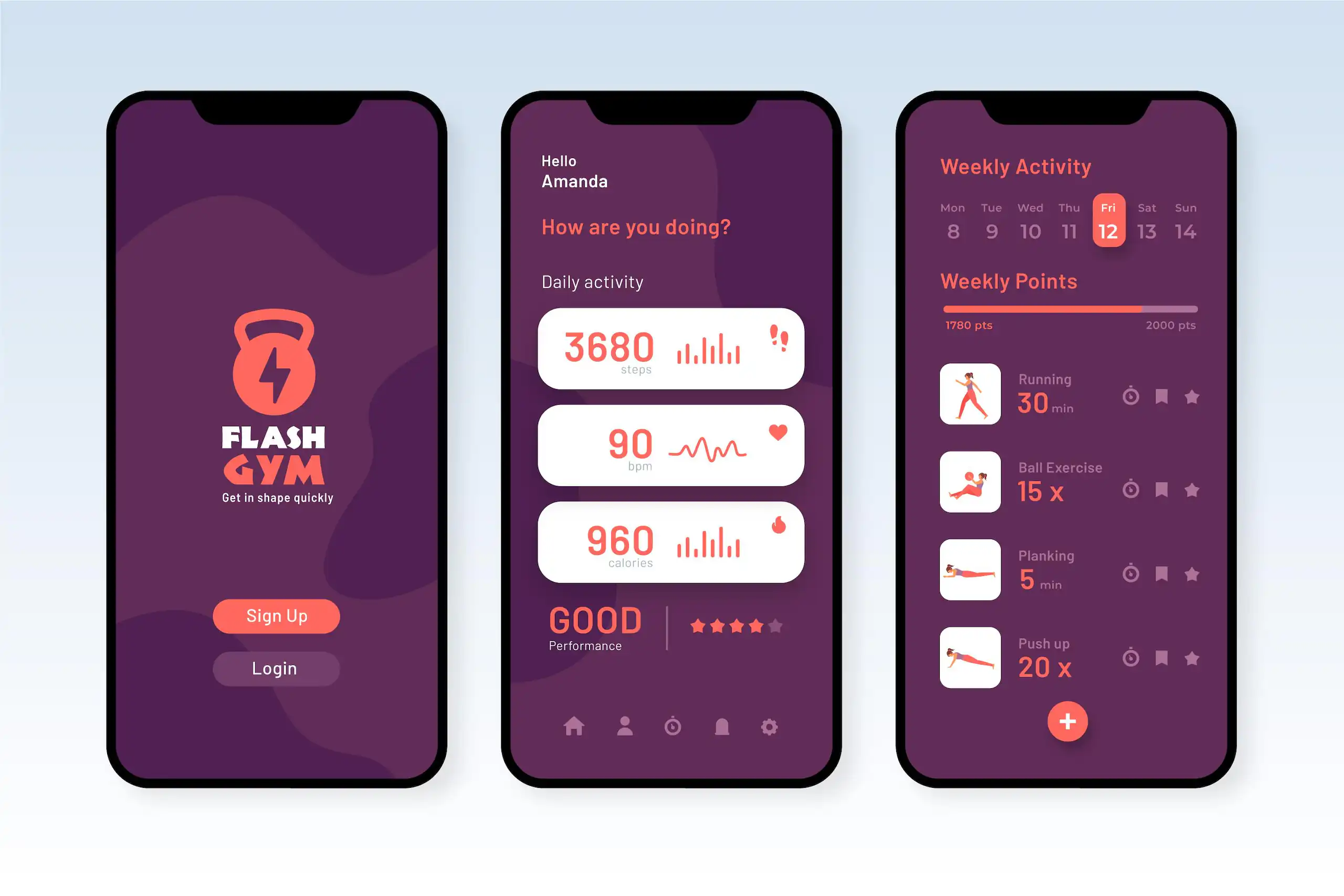
Many businesses delay mobile app development because they worry about cost, complexity, or failed delivery. Those concerns are valid.
The answer is not to avoid building. The answer is to build in a controlled, low-risk way.
Start With Discovery, Not Code
Before writing code, clarify the business problem.
A good software partner should help you define scope, user roles, workflows, risks, and measurable outcomes before development begins.
Build an MVP First
A minimum viable product should not be a weak version of the app. It should be the smallest useful version that solves the core operational problem.
For service operations, an MVP might include request intake, job assignment, mobile work orders, photo uploads, status updates, and report generation.
That is enough to prove value before investing in advanced features.
Design Around Real Users
The best service app is not the one with the most features. It is the one staff can use under real working conditions.
That means simple screens, clear buttons, fast loading, offline support where needed, role-based access, and minimal typing.
For field teams or busy consultants, usability is not decoration. It directly affects adoption.
Integrate Carefully
Mobile app development often fails when integration is treated as an afterthought.
Your app may need to connect with CRM, accounting software, ERP, payment systems, HR tools, inventory systems, or customer databases.
Plan these integrations early. Decide which system owns each type of data. Avoid creating duplicate records or conflicting sources of truth.
Protect Data From the Start
Service apps often handle customer information, staff activity, signatures, documents, locations, payments, or sensitive operational data.
Security should be part of the first build. That includes authentication, access control, encryption, audit logs, secure APIs, and proper data backup.
Measure Adoption and Operational Impact
After launch, track whether the app is actually improving operations.
Useful metrics include:
These metrics help you improve the app based on evidence, not assumptions.
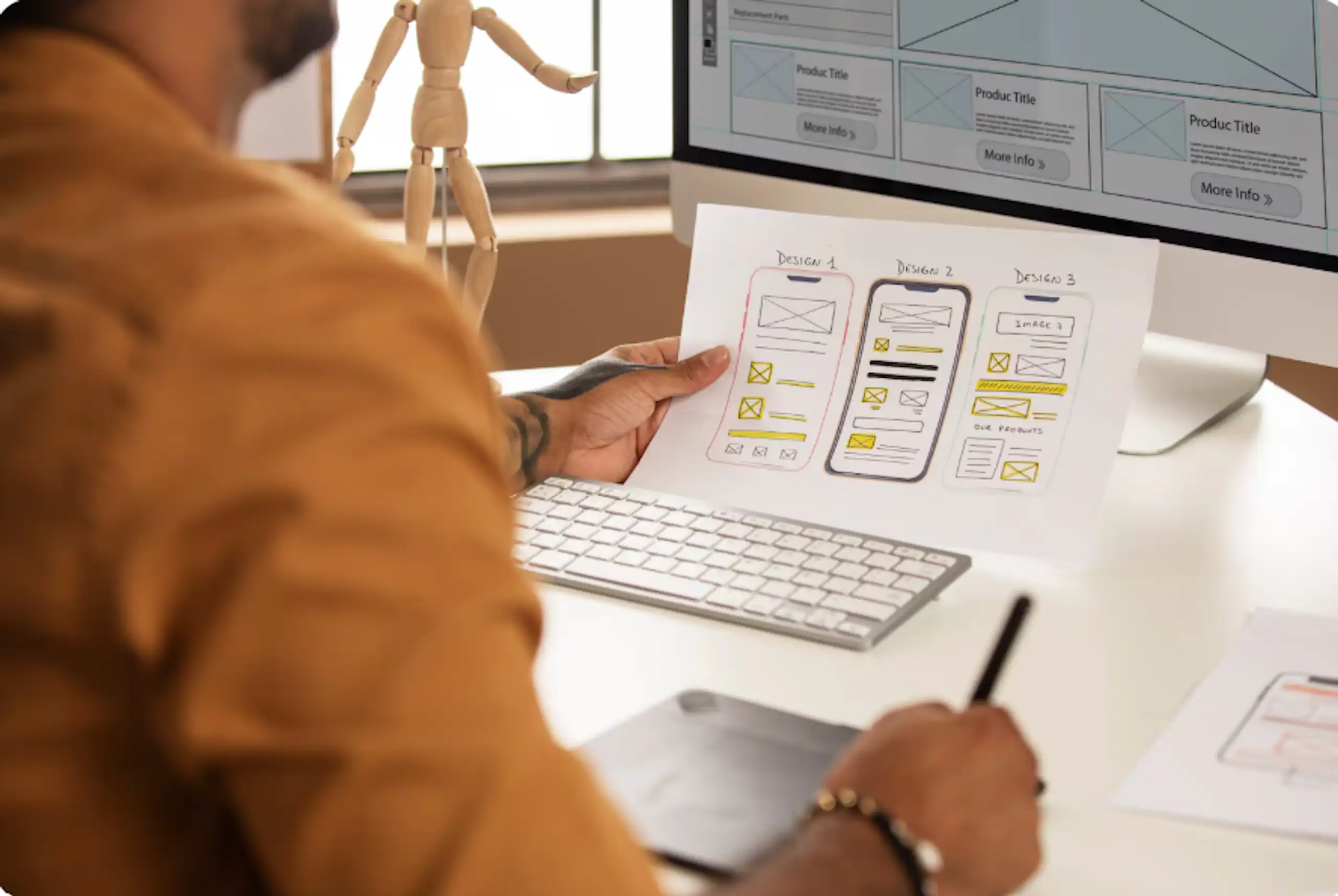
For startups, mobile app development should support speed, learning, and scalability.
The first version should help you prove the service model, improve customer experience, and collect useful operational data. Avoid overbuilding. Avoid copying enterprise platforms. Avoid features that look impressive but do not support the core service journey.
Focus on the workflow that helps you deliver faster and learn from real customers.
A startup-friendly service app should be lean, flexible, measurable, and easy to improve.
For professional services firms, the biggest value of mobile app development is consistency.
Consulting firms, legal service providers, engineering firms, accounting firms, agencies, healthcare service providers, and other expert-led businesses often depend on people-driven processes. That creates quality risk when each team manages work differently.
A mobile app can standardize intake, approvals, documentation, reporting, and client communication without removing the human expertise that makes the firm valuable.
The goal is not to replace professional judgment. The goal is to remove operational friction so professionals can spend more time on high-value work.
Imagine a maintenance company that manages service requests through phone calls, spreadsheets, and email.
Before mobile app development, the process looks like this:
After building a mobile service app, the process becomes clearer:
This is how mobile app development streamlines service operations. It removes avoidable delays, improves accountability, and makes the service experience easier to manage.
Service operations become difficult to scale when people, processes, and data are disconnected.
Mobile app development gives startups and professional services firms a practical way to bring structure, visibility, and speed into daily service delivery. The right app helps teams capture better data, reduce manual work, improve customer communication, and make decisions with confidence.
But success depends on building the right thing first.
Start with the workflow that creates the most friction. Build a focused MVP. Design for real users. Integrate with the systems that matter. Measure the impact. Then improve.
We helps startups and professional services firms design and build practical, scalable mobile apps that improve operations, reduce manual work, and support better customer experiences.
Talk to us today to plan your mobile app development project and turn your service workflow into a smarter, faster digital system.
Keep Reading
Jul 23, 2026 · 8 min read
Compare a database vs spreadsheet for managing business data. Learn the signs that spreadsheets are limiting your workflow and what to use instead.

Jul 23, 2026 · 9 min read
Compare SQL vs NoSQL databases by structure, transactions, scalability and use case. Learn which architecture is right for your application.
.jpg_7DAeB8?tr=w-2560,f-webp,q-50)
Jul 23, 2026 · 8 min read
Find the best database for web applications based on SaaS, ecommerce, marketplace, real-time and content use cases. Compare the practical trade-offs.
© Wazobia Technologies 2026