
Jul 23, 2026 · 8 min read
Database vs Spreadsheet: When Should a Business Upgrade?
Compare a database vs spreadsheet for managing business data. Learn the signs that spreadsheets are limiting your workflow and what to use instead.
Services
Our service offers a team of engineers, designers, and QA specialists to achieve your goals.
See how it worksYou gain a team of experts including engineers, designers, and QA who drive your project.
See what our Dev team can build for you
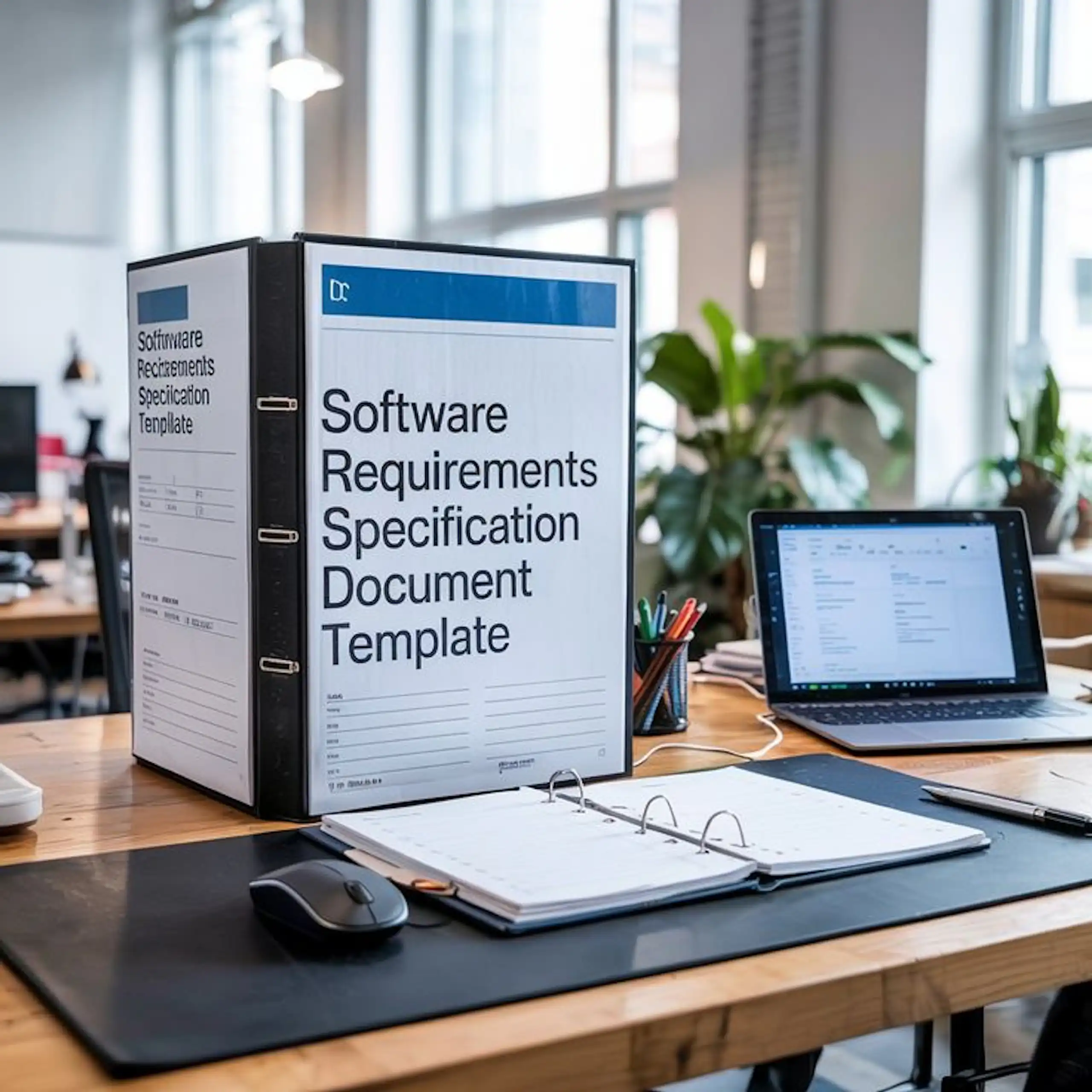
A software requirements specification is one of the most important documents in a software development project.
It explains what a software product should do, how it should behave, what features it must include, and the conditions it must meet before the project can be considered successful.
Without a clear software requirements specification, teams often rely on assumptions. That can lead to missed features, unclear scope, budget overruns, delays, and expensive rework.
A good SRS document gives stakeholders, product owners, developers, designers, QA testers, and project managers one shared source of truth. It turns ideas into clear, testable requirements before development begins.
In this guide, we explain what a software requirements specification is, why it matters, what to include in an SRS document, SRS template, SRS example, how it differs from a user requirements specification, and how to write an SRS that supports better software delivery.
A software requirements specification, often called an SRS, is a structured document that defines the functional and non-functional requirements of a software system.
In simple terms, it explains what the software must do and how well it must do it.
For example, if you are building a customer portal, the SRS may define how users register, log in, upload documents, make payments, receive notifications, and manage their account. It may also define performance, security, accessibility, scalability, and data protection requirements.
A strong software requirements specification removes confusion by answering key questions such as:
The goal is not to create paperwork for the sake of it. The goal is to reduce ambiguity before design, development, and testing begin.
An SRS document helps prevent one of the biggest causes of software project failure: unclear expectations.
When requirements are not properly defined, different people may understand the project in different ways. A stakeholder may expect one workflow. A developer may build another. A tester may not know what “done” means. A project manager may struggle to control scope.
A clear SRS document helps by creating alignment across the whole project.
It gives developers a practical guide for what to build. It gives designers a clearer understanding of user journeys. It gives testers a basis for writing test cases. It gives stakeholders a document they can review and approve before major development work begins.
For growing businesses, this matters because software projects are rarely just technical. They affect operations, customers, reporting, compliance, revenue, and internal productivity.
When the SRS is clear, the development team can make better decisions, estimate more accurately, reduce rework, and build software that supports real business needs.
A user requirements specification and a software requirements specification are closely related, but they are not the same.
A user requirements specification focuses on what users and the business need from the system. It is usually written from the user and stakeholder perspective. It explains the goals, pain points, expected outcomes, user needs, and high-level requirements.
A software requirements specification turns those needs into a more detailed technical and functional document. It explains what the software must do, how it should behave, and what standards it must meet during development and testing.
In simple terms:
A URS explains what users need.
An SRS explains what the software must deliver to meet those needs.
For example, a URS may say:
“Customer support teams need a faster way to manage and respond to enquiries.”
The SRS would break that into specific requirements such as:
“The system shall allow support agents to create, assign, update, and close tickets.”
“The system shall send an email notification when a ticket is assigned to an agent.”
“The ticket dashboard shall load within three seconds under normal traffic conditions.”
This is why both documents work well together. The URS keeps the project connected to user and business goals, while the SRS gives the delivery team a clear specification for design, build, and testing.
For a deeper explanation of the first stage, read our practical guide to user requirements specification.

A good SRS document should be detailed enough to guide delivery, but clear enough for both technical and non-technical stakeholders to understand.
The exact structure may vary depending on the project, but most software requirements specification documents include the following sections.
1. Introduction and project purpose
This section explains why the software is being built.
It should describe the business problem, project goals, intended users, and expected value. This gives the development team context, not just a list of features.
For example:
“The purpose of this system is to help field service teams schedule jobs, assign technicians, track job status, and improve visibility across daily operations.”
This section should also define the scope of the SRS, the intended audience, and any key terms or abbreviations.
2. Product overview
The product overview explains what the system is, who will use it, and how it fits into the wider business environment.
This may include:
This section is useful because software rarely operates in isolation. It may need to connect with payment gateways, CRMs, ERPs, email platforms, analytics tools, or third-party APIs.
3. Functional requirements
Functional requirements describe what the software must do.
They define the features, workflows, actions, inputs, outputs, rules, and behaviours of the system.
Examples of functional requirements include:
Functional requirements should be specific, testable, and written in simple language. Avoid vague statements like “the system should manage customers.” Instead, define exactly what customer management means.
4. Non-functional requirements
Non-functional requirements describe how well the software must work.
They cover quality expectations such as performance, security, reliability, scalability, usability, accessibility, maintainability, and availability.
Examples of non-functional requirements include:
This section is important because software can have the right features and still fail if it is slow, insecure, hard to use, or difficult to maintain.
The international requirements engineering standard ISO/IEC/IEEE 29148 provides useful guidance on the structure and quality of requirements for systems and software products.
5. User roles and permissions
Most software systems have different user types.
For example, a platform may include customers, staff users, managers, administrators, and super admins. Each role may need different access rights.
This section should define what each user role can view, create, edit, approve, delete, export, or manage.
For example:
Clear permissions help prevent security risks and reduce confusion during development.
6. System interfaces and integrations
This section explains how the software will connect with other systems.
That may include:
For each integration, the SRS should define what data is exchanged, when it is exchanged, what happens if the integration fails, and who is responsible for managing API access.
This is especially important for business software, where integrations often affect daily operations.
7. Data requirements
Data requirements explain what information the system needs to collect, store, process, display, archive, and delete.
This section may include:
For example, if the software stores customer data, the SRS should define what data is required, who can access it, how long it is retained, and how it should be protected.
For security-sensitive applications, teams may also use references such as the OWASP Application Security Verification Standard to shape stronger security requirements.
8. Acceptance criteria
Acceptance criteria define how the team will confirm that a requirement has been completed successfully.
This helps reduce subjective judgement during testing.
For example, instead of writing:
“The login feature should work properly.”
Write:
“Given a registered user enters a valid email address and password, when they click the login button, then they should be redirected to their dashboard within two seconds.”
Acceptance criteria make requirements easier to test, approve, and hand over.
9. Constraints, assumptions, and dependencies
Every software project has limits.
These may include budget, timeline, technology stack, hosting environment, compliance rules, browser support, internal resources, third-party tools, or business deadlines.
This section should clearly document those constraints so the team can plan around them.
For example:
When constraints are clear, the team can make better decisions and avoid unrealistic expectations.
Writing an SRS is not just about filling in a template. It requires careful discovery, stakeholder input, technical thinking, and clear documentation.
Here is a practical process.
Step 1: Start with the business problem
Before listing features, clarify the real problem.
What is not working today? What process is too slow, manual, expensive, or unreliable? What should improve after the software is launched?
This keeps the SRS focused on business value, not just functionality.
Step 2: Identify users and stakeholders
List the people who will use, approve, manage, support, or be affected by the system.
This may include customers, internal teams, administrators, finance teams, operations teams, support teams, and external partners.
Each group may have different needs, permissions, and workflows.
Step 3: Map the main workflows
Before writing detailed requirements, map the key user journeys.
For example:
Workflow mapping helps uncover missing steps, edge cases, and integration needs.
Step 4: Write clear functional requirements
Each functional requirement should describe one specific system behaviour.
Use a simple structure:
“The system shall allow [user role] to [perform action] so that [outcome].”
Example:
“The system shall allow operations managers to assign jobs to technicians so that daily field work can be scheduled from one dashboard.”
This format keeps requirements clear and tied to a business purpose.
Step 5: Define measurable non-functional requirements
Avoid vague statements like “the system should be fast” or “the platform should be secure.”
Make them measurable.
For example:
Measurable requirements are easier to design, estimate, and test.
Step 6: Review with both business and technical teams
An SRS should not be written in isolation.
Business stakeholders should confirm the requirements reflect real needs. Technical teams should confirm the requirements are realistic, buildable, secure, and scalable within the project constraints.
This review helps catch gaps early, before they become expensive development issues.

Here is a practical SRS template you can adapt:
The goal of an SRS template is not to make the document longer. It is to make sure important details are not missed.
Here is a simple example for a booking platform.
Project goal:
“Build a booking platform that allows customers to schedule appointments with service providers online.”
Functional requirements:
Non-functional requirements:
Acceptance criteria:
This example shows how an SRS turns a broad idea into clear delivery requirements.
A strong SRS gives your software project structure, but the real value comes from turning those requirements into a product that works in the real world.
If you need a development team that can help refine your requirements, design the right architecture, build the product, test it properly, and support long-term improvement, Wazobia Technologies can work with you as a custom software development partner.
Our team brings engineering, product thinking, UI/UX, QA, cloud, and delivery experience together so your project moves from unclear requirements to working software with less risk and better visibility.
A common mistake is making the SRS too vague.
Words like “fast,” “simple,” “secure,” and “user-friendly” are useful goals, but they are not strong requirements unless they are measurable.
Another mistake is skipping non-functional requirements. Performance, scalability, security, accessibility, and maintainability should be discussed early because they affect architecture and cost.
A third mistake is writing requirements without user context. A feature may sound useful, but if it does not connect to a real user need or business outcome, it may add unnecessary complexity.
Finally, avoid treating the SRS as a fixed document that never changes. Requirements may evolve as the team learns more. The important thing is to manage changes clearly, keep version history, and make sure everyone understands the impact.
A software requirements specification helps turn a software idea into a clear, buildable, and testable plan.
It defines what the software must do, how it should behave, what standards it must meet, and how success will be measured. It also helps reduce confusion between stakeholders, product owners, designers, developers, QA teams, and project managers.
The best SRS documents are clear, practical, measurable, and connected to real business goals. They do not just describe features. They help teams build better software with fewer assumptions.
If you are planning a new software product, improving an internal system, or replacing manual processes with custom software, Wazobia Technologies can help you shape the right requirements before development begins.
Contact Wazobia Technologies to discuss your project and get clear guidance on the best way to move from requirements to delivery.
1. What is a software requirements specification?
A software requirements specification is a structured document that defines what a software system must do and how it should perform. It includes functional requirements, non-functional requirements, user roles, integrations, data needs, constraints, and acceptance criteria.
2. What does SRS stand for?
SRS stands for software requirements specification. It is a document used in software development to define the requirements of a software product before design, development, and testing begin.
3. What is the difference between URS and SRS?
A URS describes what users and the business need from the system. An SRS turns those needs into detailed software requirements that guide design, development, and testing.
4. Who writes the SRS document?
An SRS document is usually written by a business analyst, product owner, solution architect, technical lead, or software development partner. Stakeholders, developers, designers, and QA teams should also review it.
5. What should an SRS document include?
An SRS should include the project purpose, product overview, functional requirements, non-functional requirements, user role, integrations, data requirements, acceptance criteria, constraints, assumptions, and approval details.
6. How detailed should an SRS be?
An SRS should be detailed enough for the team to design, build, test, and approve the software without relying on guesswork. It should be clear, specific, measurable, and easy to understand.
Keep Reading
Jul 23, 2026 · 8 min read
Compare a database vs spreadsheet for managing business data. Learn the signs that spreadsheets are limiting your workflow and what to use instead.

Jul 23, 2026 · 9 min read
Compare SQL vs NoSQL databases by structure, transactions, scalability and use case. Learn which architecture is right for your application.
.jpg_7DAeB8?tr=w-2560,f-webp,q-50)
Jul 23, 2026 · 8 min read
Find the best database for web applications based on SaaS, ecommerce, marketplace, real-time and content use cases. Compare the practical trade-offs.
© Wazobia Technologies 2026